
How Do I Upgrade from Plone 4-5 to Plone 6 Without Rebuilding Everything?

Are you still using Plone 4 or 5 CMS and not sure how to move forward?
You’re not alone — many teams hesitate to upgrade because they think it means a full rebuild. But that’s no longer the case.
In this article, I’ll explain how to upgrade to Plone 6 without breaking your current setup, losing custom features, or disrupting your workflow.
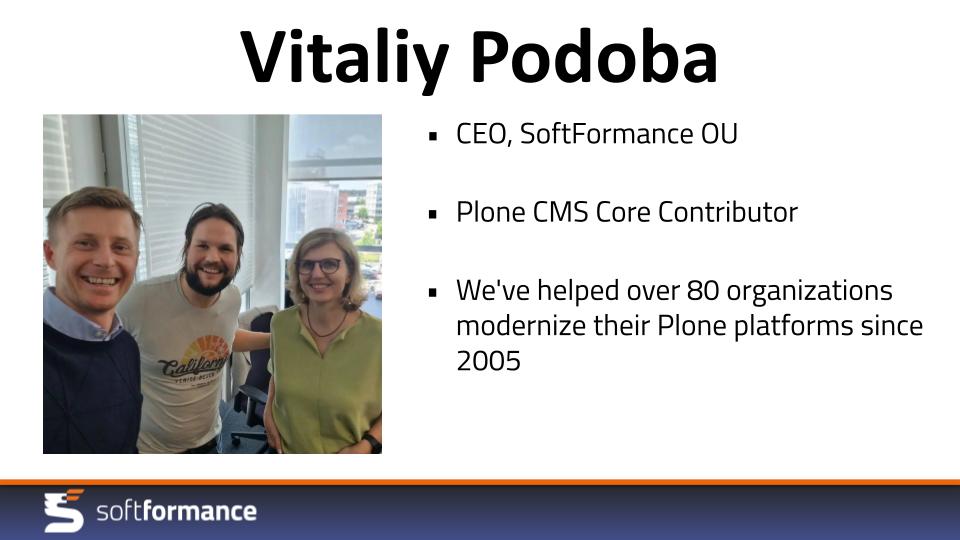
Hi, I’m Vitaliy Podoba, founder of SoftFormance and a core Plone contributor. My team and I have been working with Plone since 2005 — back when it was version 2 — and we’ve helped over 80 organizations modernize, migrate, and scale their Plone-based platforms.
Let’s walk through the real, low-risk upgrade path to Plone 6 — the biggest release Plone has seen in years.
Why Upgrade to Plone 6?
There are strong reasons to upgrade to Plone 6:
- Volto, a modern React-based frontend with full REST API integration
- Better user experience for content editors
- Bootstrap 5 styling included out of the box
- Native Dexterity site root support
- Zope 5 backend with Python 3.11 compatibility
- Improved performance, security, and theming options
Plone 6 also retires legacy technologies like Archetypes and portal_quickinstaller, helping future-proof your CMS stack.
Common Misconceptions About the Upgrade
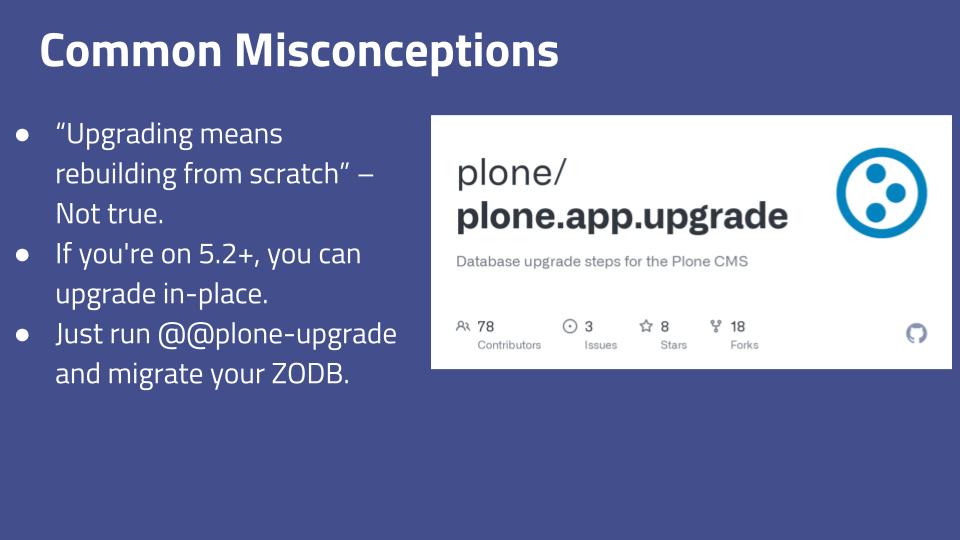
The biggest misconception is that “upgrading to Plone 6 means starting from scratch.” This is not true.
If you’re using Plone 5.2 or newer, you can upgrade in place. You’ll run the plone-upgrade view, migrate your ZODB database, and your existing content and permissions will stay intact.
However, there are some changes to expect:
- Your site root may appear empty after upgrade — this is resolved by completing the Dexterity root migration.
- Archetypes-based content types are no longer supported, so they must be converted to Dexterity.
How a Real Upgrade Works?
Here’s how we approach upgrades at SoftFormance:
Step 1: Audit Your Current System:
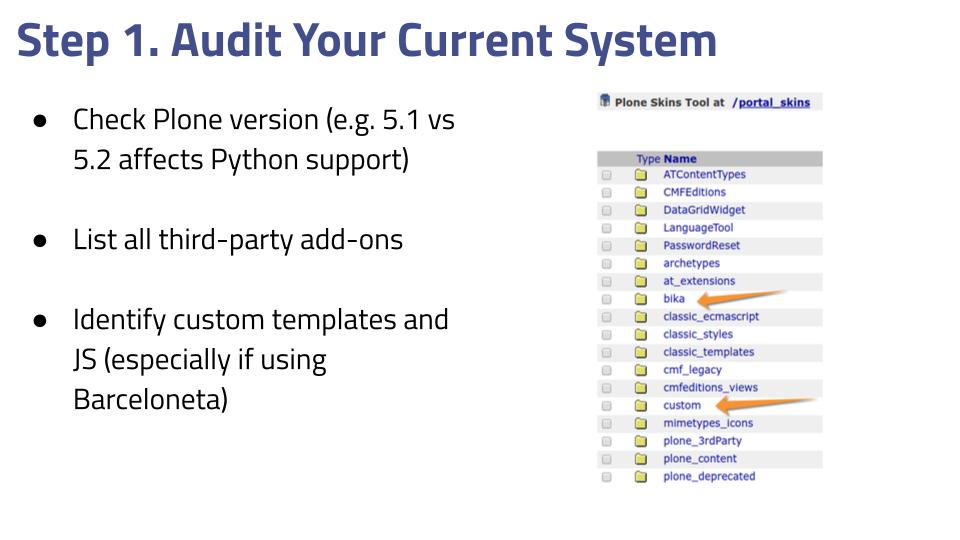
- Identify your current Plone version
- List all third-party add-ons
- Review custom templates and JavaScript (especially Barceloneta-based themes)
Step 2: Plan Your Frontend Strategy
You have two frontend options:
- Volto: A modern, decoupled React UI using REST API
- Classic UI: Server-rendered, legacy option still supported
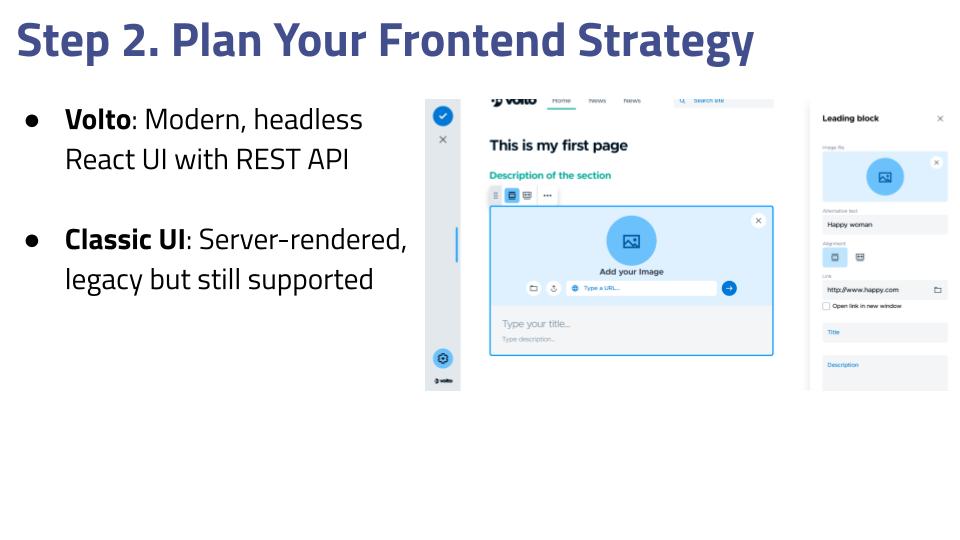
Note: Do not install plone.volto if you intend to use Classic UI — they cannot coexist.
Step 3: Upgrade the Backend
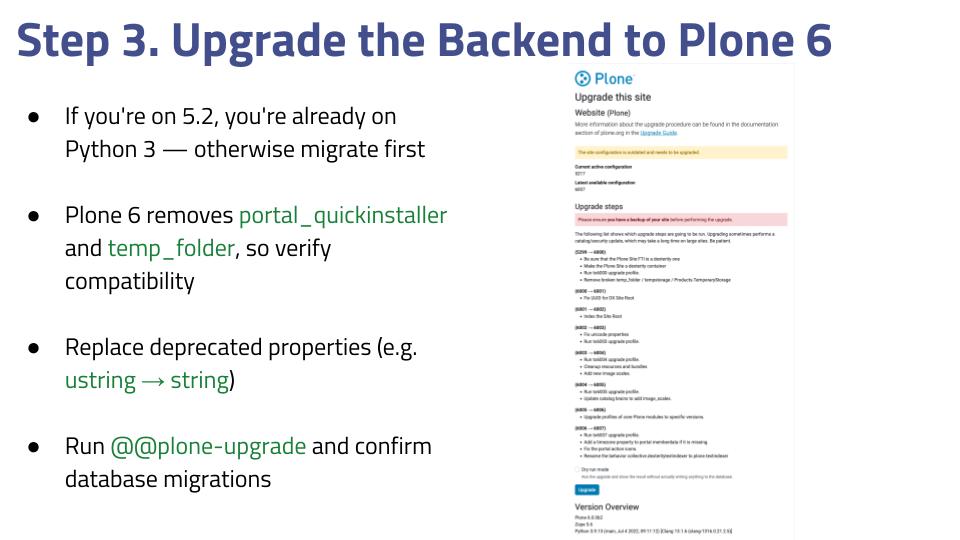
- If you’re on 5.2, you’re already on Python 3. Otherwise, migrate first
- Plone 6 removes portal_quickinstaller and temp_folder, so check compatibility
- Replace deprecated code like ustring with string
- Run plone-upgrade and verify that database migrations completed
Step 4: Upgrade Add-ons
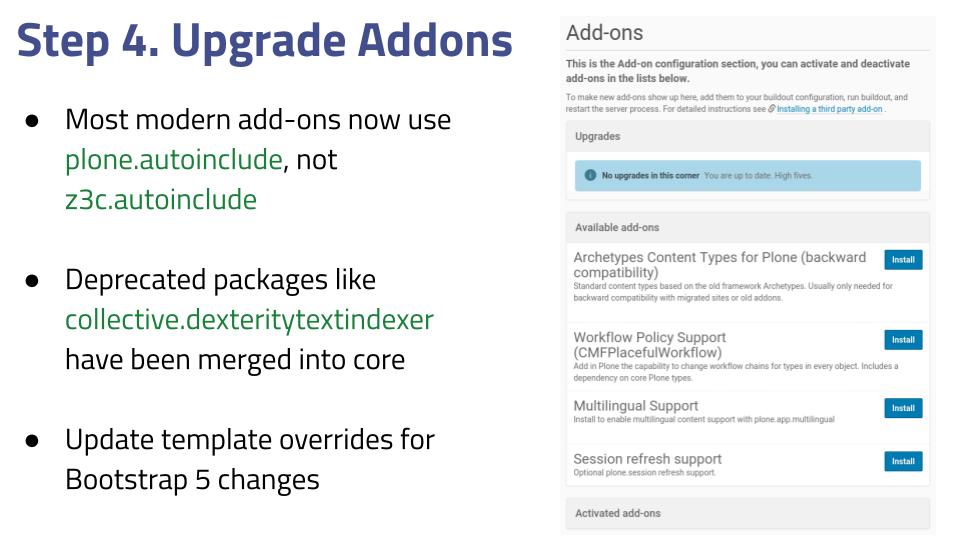
- Most modern add-ons now use plone.autoinclude instead of z3c.autoinclude
- Some deprecated packages, like collective.dexteritytextindexer, are now part of Plone core
- Update template overrides for Bootstrap 5 changes
Step 5: Modernize the UI (Optional)
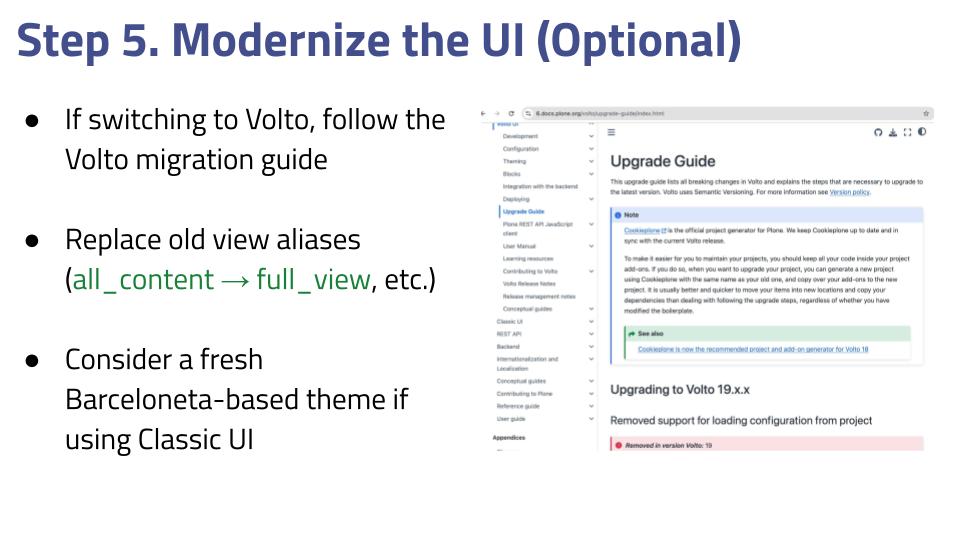
- If switching to Volto, follow the official migration guide
- Replace outdated view aliases
- If staying with Classic UI, consider creating a fresh Barceloneta-based theme
When You Shouldn’t Upgrade (Yet)
Consider delaying your upgrade if:
- Your site heavily relies on Archetypes
- You depend on outdated or unsupported add-ons
- You don’t have in-house Plone expertise
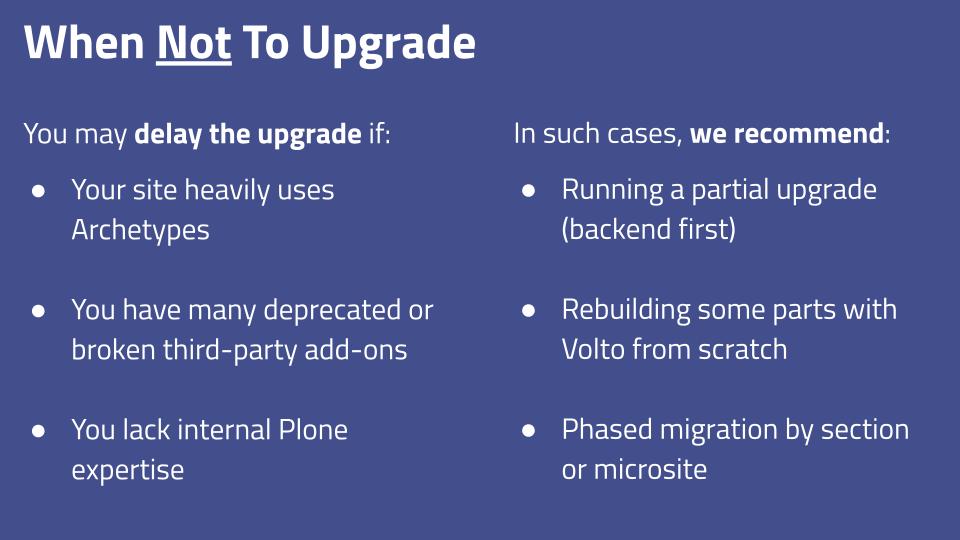
In such cases, we often recommend a partial upgrade of the backend first, rebuilding critical parts in Volto, or migrating in stages.
Need Help? We Offer a Free Audit
Not sure whether to upgrade or rebuild? We can help.
Our team at SoftFormance offers a free Plone CMS audit. We’ll:
- Analyze your current version, add-ons, and customizations
- Identify the best migration path and any risks
- Help you decide between Volto and Classic UI
- Provide a phased roadmap and cost estimate
Click the link to request your free audit.
Let’s future-proof your Plone system — without unnecessary risk or cost.
Thanks for reading. If this article helped you, feel free to reach out.
See you next time!